PINGEQUA
RF Pack S3 for M5Stack StickS3 - nRF24L01+ + CC1101 433 MHz
RF Pack S3 for M5Stack StickS3 - nRF24L01+ + CC1101 433 MHz
Couldn't load pickup availability
Complete your build
RF Pack S3 · Black
Dual-band RF module designed for StickS3.
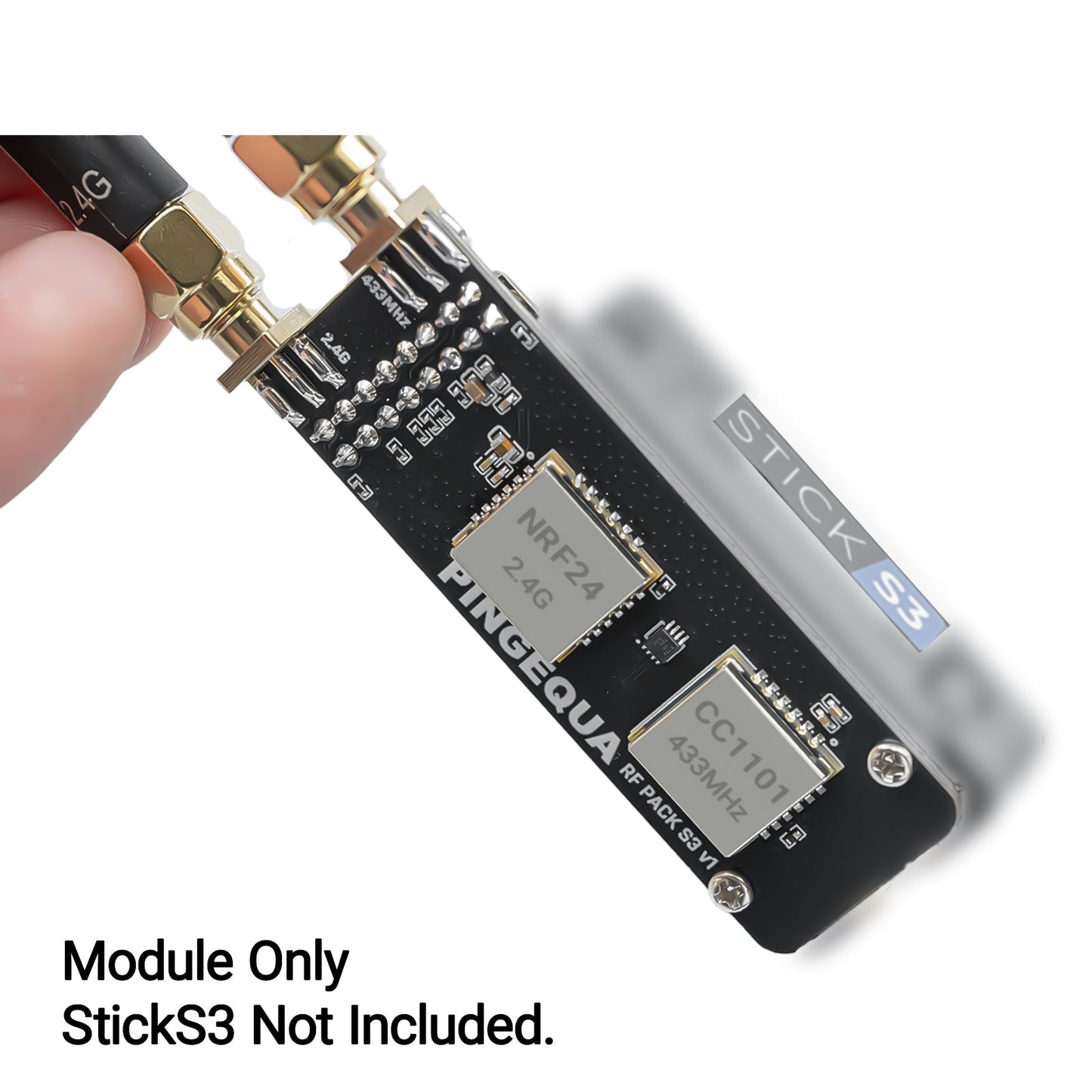
Dual-band RF module for M5Stack StickS3, combining CC1101 433 MHz and nRF24L01+ 2.4 GHz on a dedicated four-layer board designed for Bruce firmware.
- Dual-band front end — nRF24L01+ 2.4 GHz + CC1101 433 MHz, both PA/LNA
- SN74 logic buffer for clean SPI isolation between chips
- Custom LC filtering — helps maintain a stable 3.3 V rail under PA load
- Top-mounted SMA — bottom grip stays clear
- Native pin map for the Bruce m5stack-sticks3 build
- M2 screw mount, four-layer PCB, Grove cutout preserved
// 01 · Architecture
SPI bus, isolated. PA rails, decoupled.
One ESP32-S3 host drives both transceivers over a shared SPI bus. The SN74 logic buffer sits between the host and the radios, so transients on either chip don't disturb the line back to the MCU.
Signal Path
LC filter network on the 3.3 V rail helps keep PA current spikes off the host supply.
// 02 · Why not a generic breakout
Designed specifically for StickS3
Generic NRF24/CC1101 board
Bare SPI, jumper wires, PCB antennas.
Shared SPI lines without buffering, an unfiltered 3.3 V rail, generic pin order, and mechanical mounting often handled with adapters or manual fitting.
PINGEQUA RF Pack S3
Buffered SPI, filtered rails, dedicated form factor.
SN74 isolation between host and radios, LC-filtered supply, two top-mounted SMA pigtails, M2 mounting holes that line up with the StickS3 shell, pin map matched to Bruce's m5stack-sticks3 build.
// 03 · Quick Start
Three steps from unboxing to setup.
m5stack-sticks3 build via the official web flasher, then pick your radio in RF → Config → Module. Use the (Legacy) driver entries — see FAQ.// 04 · Compatibility
Designed for M5Stack StickS3 and Bruce firmware.
Not compatible with M5StickC Plus 1.1 / Plus 2, Cardputer, Cardputer ADV, or non-M5Stack ESP32 boards.
// 05 · In the box
QTY 1
RF Pack S3 board
Four-layer PCB, dual-radio, SN74-buffered.
QTY 1
2.4 GHz antenna
SMA, for the nRF24L01+ jack.
QTY 1
433 MHz antenna
SMA, for the CC1101 jack.
QTY 2
M2 screws
For the StickS3 backplate mount.
QTY 1
Quick start card
Bruce menu paths, pin reference.
Host device not included. Compatible with M5Stack StickS3. Not compatible with M5StickC Plus 1.1 / Plus 2, Cardputer, or Cardputer ADV.
// 06 · Specifications
The numbers that matter.
RF Front-End
Hardware
m5stack-sticks3 buildMechanical
Compatibility
// 07 · FAQ
Real questions from real buyers.
Q · 00What is this for, and is the host included?+
For education, authorized research, and interoperability testing only. The host device is not included. See Compliance & Responsible Use.
Q.01 I'm getting "CC1101 not found" or "nRF24 not detected" — is the board dead? +
Almost always a firmware issue, not a hardware one. Bruce v1.12 and v1.13 shipped a SPI-timing and AXP power-management bug that prevents StickC-class hosts from detecting the radios. Flash the latest Bruce release via the official web flasher and the chips come up reliably.
If it still fails after a clean flash, re-seat the M2 screws and confirm both SMA jacks are on the correct radio. The 2.4 GHz antenna goes on nRF24L01+, the 433 MHz antenna on CC1101.
Q.02 Which menu entry do I pick in Bruce — "CC1101" or "CC1101 (Legacy)"? +
Use the (Legacy) driver entries for both chips. The non-legacy modes target a different driver path used by other M5Stack builds and won't recognize this board.
Q.03 Does Bruce officially support the M5Stack StickS3? +
Yes — m5stack-sticks3 is an upstream board target in the BruceDevices/firmware repo. Several StickS3-specific fixes (PSRAM detection, audio init, boot backlight) landed in late 2025 and early 2026 — issues #2371 and #2148. Use the latest stable build, not an older cached binary, to pick those fixes up.
Q.04 I have a StickC Plus or a Cardputer — will this fit? +
No. RF Pack S3 is dedicated to the StickS3 footprint and pin order. For other M5Stack hosts, use the matching SKU:
StickC Plus 1.1 / Plus 2 → Stick RF 424. Cardputer ADV → Hydra RF Cap series. Please verify the model on the back of your device before ordering to avoid compatibility issues.
For protocol research, signal analysis, and electronics education only. End users are responsible for compliance with local radio regulations — FCC Part 15 (US), ISED RSS-Gen / RSS-247 (Canada), RED 2014/53/EU (EU/UK), MIC Radio Law (Japan), and equivalent. Operating PA-amplified transmitters in regulated spectrum without proper authorization may be unlawful in your jurisdiction. PINGEQUA does not authorize use of this product for unlawful signal interference, unauthorized interception, or any unlicensed transmission.
Key specifications
| Compatible host | M5Stack StickS3 |
| Radio chipset | CC1101, nRF24L01+ |
| Frequency bands | 433 MHz, 2.4 GHz |
| Host device included | No |
| Browser-based flashing | flash.pingequa.com |
Specifications updated 2026-07-25.
Shipping & Delivery
Shipping & Delivery
We dispatch in 1–3 business days from Dongguan / Shenzhen. Free tracked shipping from $29.99 USD ($34.99 in the EU). Typical transit after dispatch: 7–10 business days to the US, Canada, the UK, and the EU. Duties and taxes are included for the US, Canada, the UK, and the EU. Host device is not included.
Warranty & Returns
Warranty & Returns
14-day returns for unused items in original packaging. 6-month limited warranty against manufacturing defects. Change-of-mind return shipping is paid by the customer. We cover return shipping for defective, damaged, or wrong items. Damage from wiring mistakes or incorrect flashing is not covered.
Beautful, I love it!... Is like description says, easy to flash, easy to configure, easy to use. I tried Bruce 1.16, but I can´t use it, then switch to 1.14 version and everything works without problems. lets play!
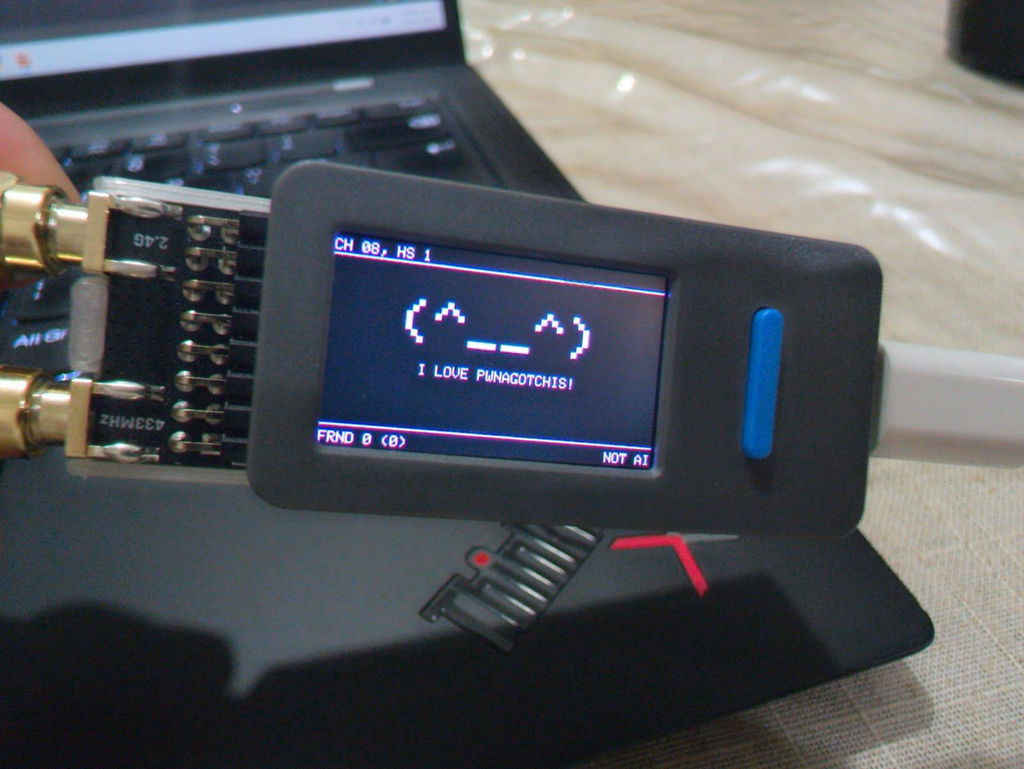
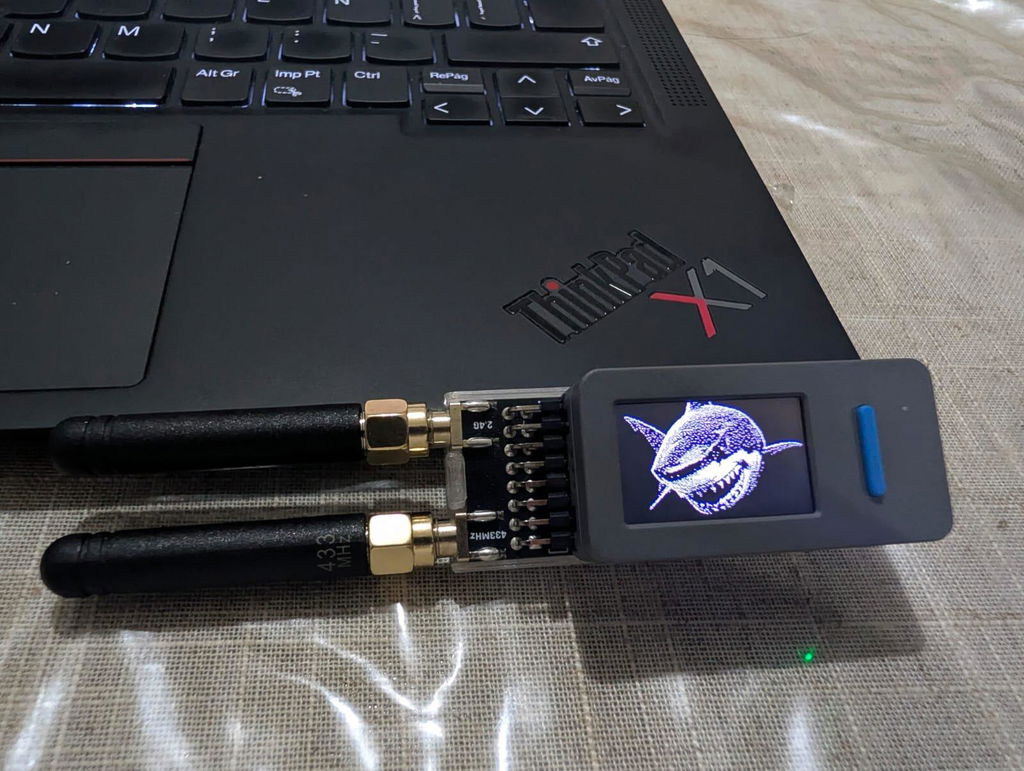
Awesome board!!
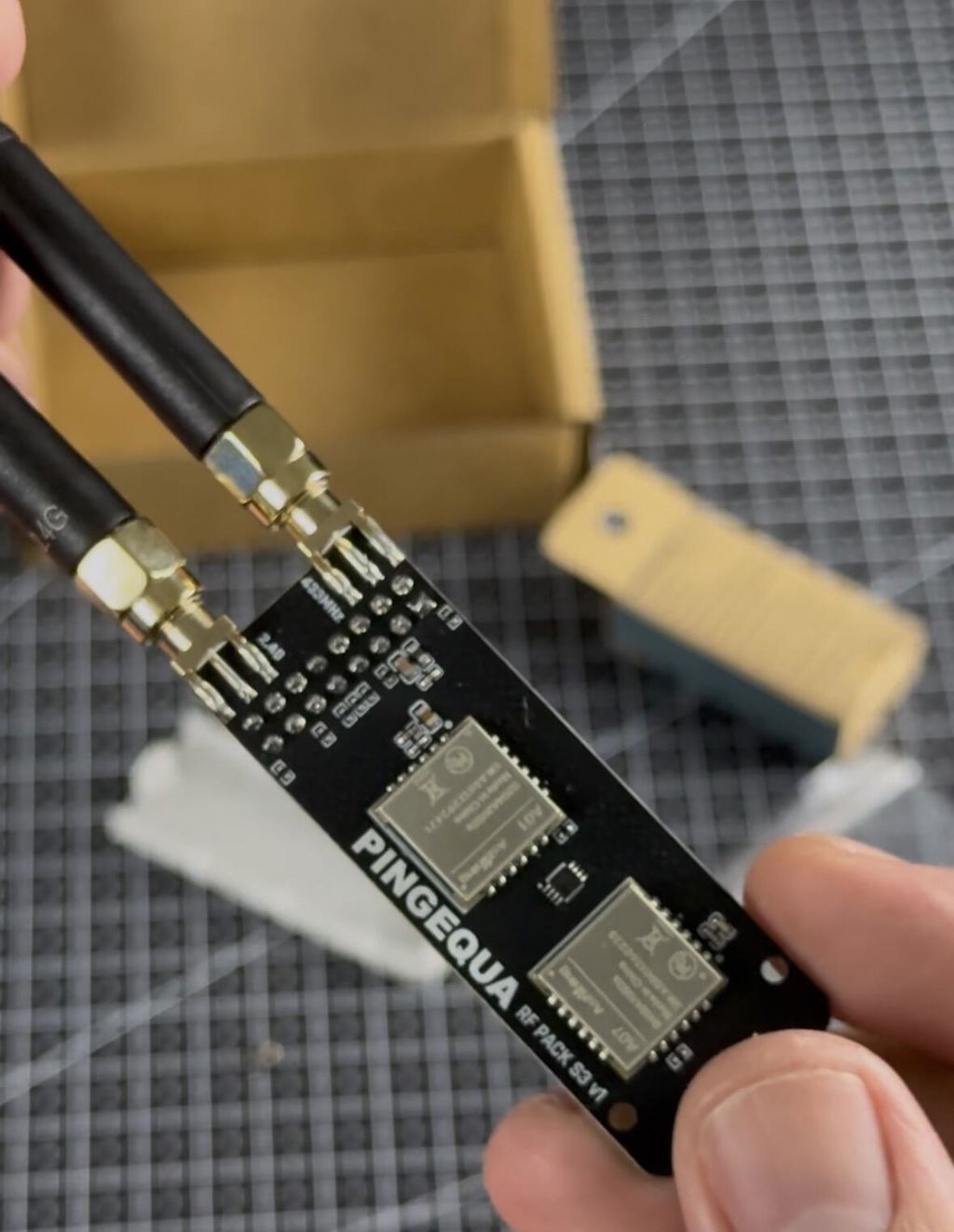
works perfectly
Love it.
Εξαιρετική ποιότητα
Well made andjammedble signals we're well
Love it! Very fast shipping and Ive been having fun with it
Wonderful small compact form factor that makes it easy for testing while still being small. Easy to configure and use. Nice cover to keep you from touching the board whole holding or while in your pocket. I compared to other same antennas on other devices and there is no difference in the send or receiving of signals.
Great product!
You must enter text here.
Well packaged. Fast shipping. Product as described.
RF PACK S3 for M5Stack StickS3
it works well
Exactly what i needed, also came with a petg case
Awesome product and even came with a protective plastic snap on cover for it! Would be nice if it had some written instructions on what you can do with the rf board!
RF PACK S3 for M5Stack StickS3
Perfect, great product and does what it promises
RF PACK S3 for M5Stack StickS3
All good