PINGEQUA
5Ghost WiFi Devboard for Flipper Zero – BW16 RTL8720DN Dual-Band
5Ghost WiFi Devboard for Flipper Zero – BW16 RTL8720DN Dual-Band
Couldn't load pickup availability
5Ghost WiFi Devboard · BW16
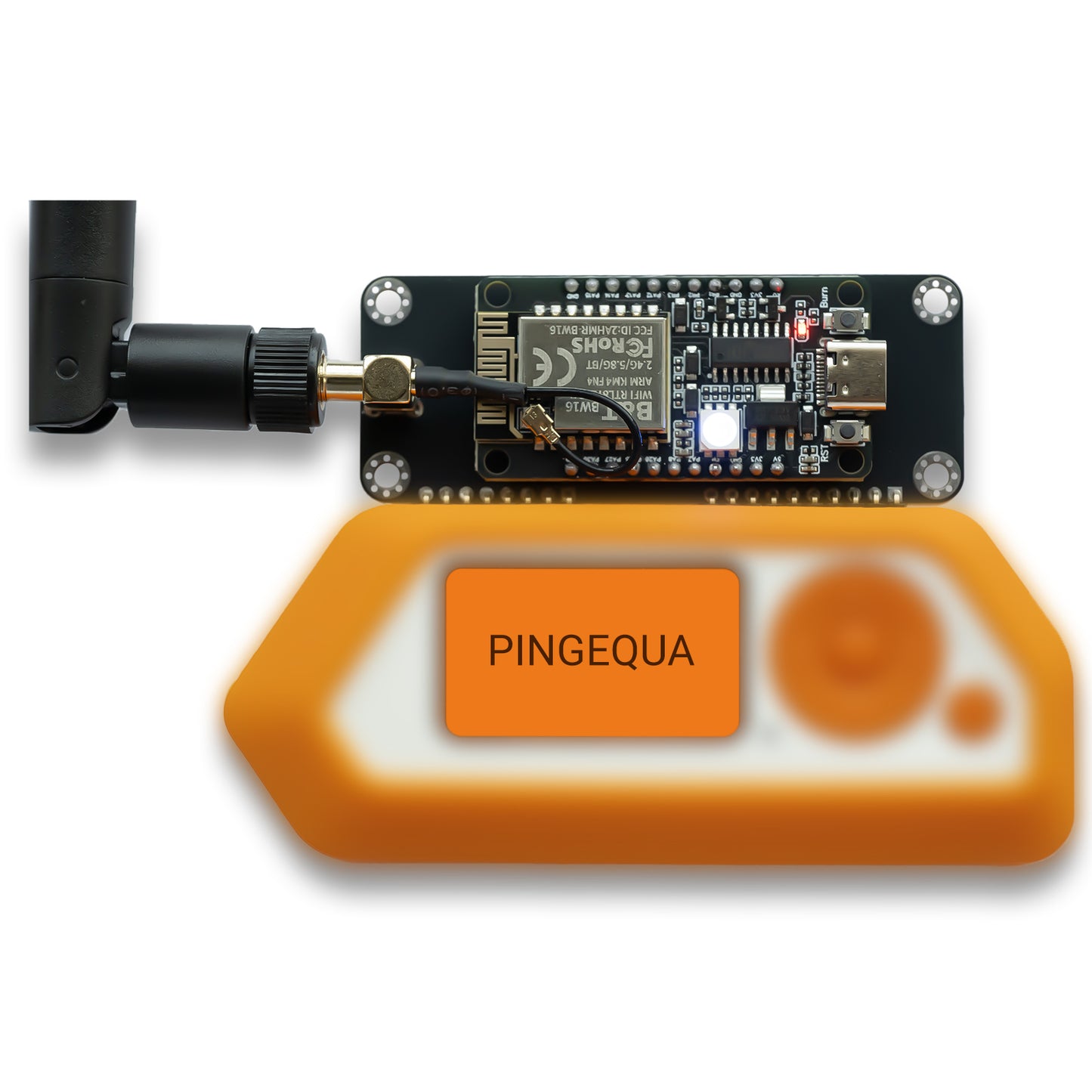
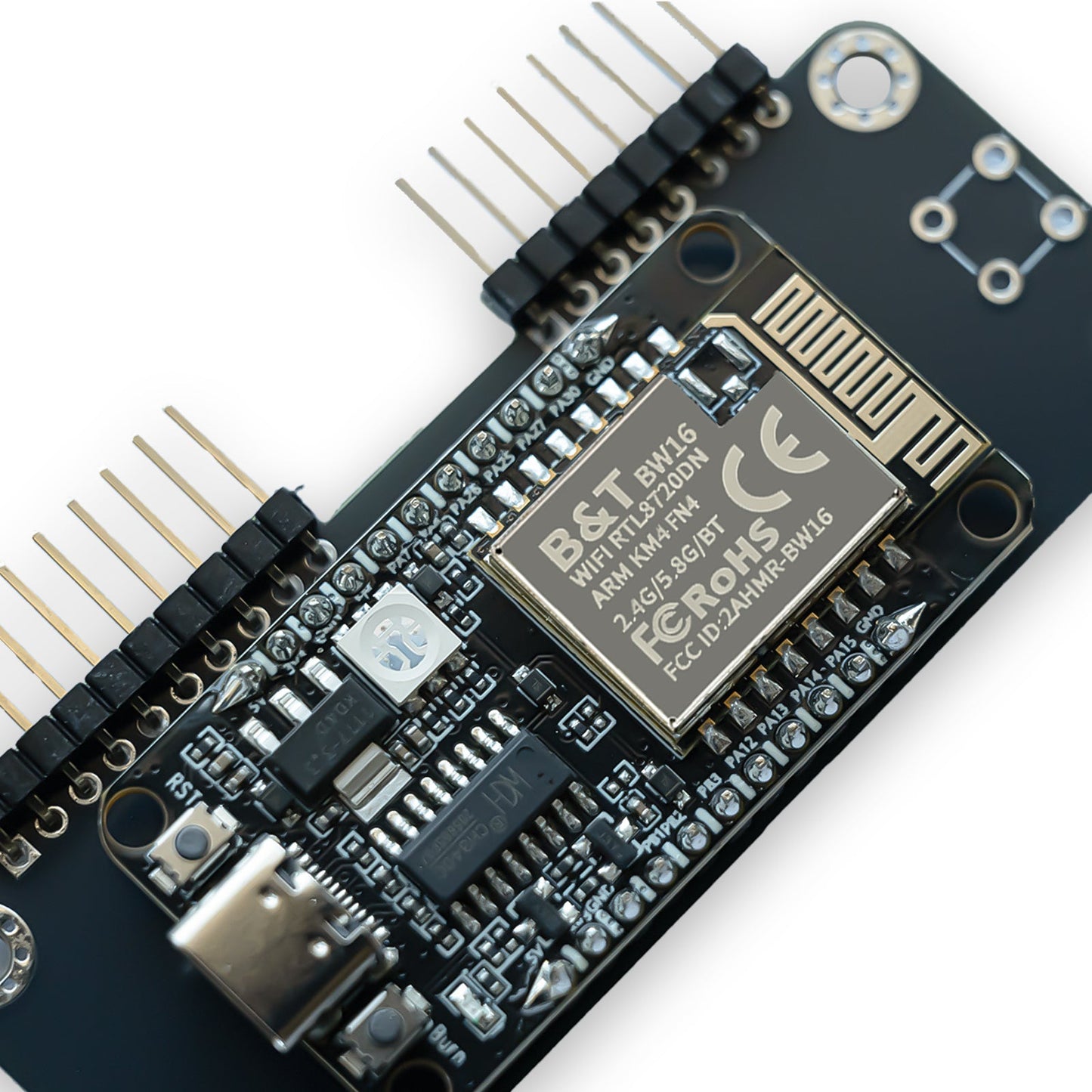
The dual-band Wi-Fi board for the Flipper Zero, built on the BW16 (RTL8720DN) and shipped preloaded with the open-source 5Ghost WiFi Lab app. Where the ESP32-S2 board is 2.4 GHz only, 5Ghost reaches both 2.4 GHz and 5 GHz — scanning, handshake capture and deauth across both bands. Choose the compact onboard antenna or the 8 dBi external dual-band antenna for extra range.
- True dual-band. 2.4 GHz and 5 GHz scan, capture and testing — not 2.4-only.
- Pre-flashed 5Ghost WiFi Lab. Dock on the Flipper and start scanning — no module flashing.
- 5 GHz handshake capture. WPA/WPA2 4-way handshakes exported as PCAP for hashcat (mode 22000) and aircrack-ng.
- Dual-band deauth. 2.4 + 5 GHz, with PMF/WPA3-immunity alerts instead of silent failure.
- BLE recon. Passive Bluetooth-LE scan flags vendors, AirTag / Find My trackers and nearby Flipper Zeros.
- Evil Portal & Soft AP. Captive-portal credential capture with bundled demo pages or custom HTML from SD.
- 8 dBi antenna option. Onboard PCB antenna, or an 8 dBi external dual-band SMA antenna for range.
- Browser flashing. Recover or update the module firmware from Chrome/Edge — no esptool, no COM-port hunt.
A dual-band Wi-Fi radio, driven by your Flipper.
The Flipper Zero has no Wi-Fi radio of its own. This devboard adds a BW16 (RTL8720DN) dual-band radio, driven from the Flipper over the GPIO UART link by the 5Ghost WiFi Lab app. Nothing runs on a laptop during use — the Flipper drives it.
│ 5Ghost WiFi Lab app (.fap)
│
▼ GPIO · UART (TX/RX) + 5V/GND
BW16 / RTL8720DN — preloaded module firmware
└─ 2.4 GHz + 5 GHz dual-band Wi-Fi radio
Pre-flashed — dock it and go.
- Tighten the antenna, then dock. Power off the Flipper, tighten the external SMA antenna first, seat the board on the top GPIO header without tilting the pins, power on.
- Install the app. Download the latest
5ghost_wifi_lab.fapfrom GitHub Releases and copy it to/ext/apps/GPIO/on the microSD card. - Scan. Open Apps → GPIO → 5Ghost WiFi Lab, then start with Scan Wi-Fi or Channel Map to confirm the board is communicating. Data exports to
/ext/apps_data/5ghost/.
Module firmware recovery in your browser — no toolchain.
The module ships pre-flashed, so normal setup needs no flashing at all. If the board ever stops responding or a firmware update lands, recover it straight from the browser — the COM-port and download-mode errors that trip people up with esptool are handled for you.
- Open the flasher. Visit flash.pingequa.com/devices/bw16-5ghost in Chrome or Edge on desktop, or Chrome on Android (Web Serial).
- Connect. Plug the board into your computer with a USB-C data cable and click
Flash. - If auto-entry fails. Hold
BOOT, tapRESET, releaseBOOT, and try again.
Built for the Flipper Zero, every major firmware.
- Flipper Zero (GPIO / UART)
- Official firmware
- Momentum firmware
- Unleashed firmware
- Standalone use — the Flipper Zero is the host
- Other BW16 / RTL8720DN boards — the app is built for the PINGEQUA 5Ghost hardware only
One universal .fap build runs on Official, Momentum and Unleashed — it avoids APIs disabled in Official firmware, so a single build works across all three.
The numbers that matter.
| Radio | |
| Chipset | BW16 (RTL8720DN) |
| Wi-Fi bands | 2.4 GHz + 5 GHz (dual-band) |
| Interface | |
| Host link | Flipper Zero GPIO header · UART (TX/RX) + 5V/GND |
| Connector | 18-pin GPIO |
| Antenna | Onboard PCB antenna, or 8 dBi external dual-band SMA |
| Software | |
| Flipper app | 5Ghost WiFi Lab (5ghost_wifi_lab.fap), MIT — github.com/pingequalab/5ghost-wifi-lab |
| Module firmware | Pre-flashed (browser re-flash / recovery available) |
| Flipper firmwares | Official / Momentum / Unleashed |
| Data export | Scans, handshakes & captures to /ext/apps_data/5ghost/
|
| In the box | |
| Included | 1 × 5Ghost BW16 devboard (onboard-antenna or 8 dBi external variant) |
| Not included | Flipper Zero host device (shown for reference) |
What it cannot do, stated clearly.
- WPA3-SAE has no offline-crackable hash by design — that is a protocol limitation, not a tool fault. Transition-mode networks that still accept WPA2 remain exposed to downgrade attacks.
- PMF / WPA3 access points cannot be deauthenticated. That is 802.11w working as designed; the app alerts you rather than failing silently.
- Handshake capture uses 5 GHz. The RTL8720DN often can't hear 2.4 GHz client uplink (M2/M4) frames, so 5 GHz is the reliable capture path.
- Mesh roaming is hard on single-radio hardware. Same-channel nodes are caught in one pass; cross-channel 802.11r roaming is difficult.
- Android captive-portal auto-open can be blocked by Private DNS / DoH; a manual HTTP trigger still works.
Real questions, straight answers.
Q.01Can a Flipper Zero really do 5 GHz Wi-Fi with this board?
Yes. The BW16 (RTL8720DN) is a dual-band radio, so 5Ghost scans, captures handshakes and runs deauth on both 2.4 GHz and 5 GHz. The ESP32 / ESP32-S2 Wi-Fi boards are 2.4 GHz only.
Q.02Which Flipper firmware do I need?
Official, Momentum or Unleashed. One universal 5ghost_wifi_lab.fap build runs on all three — it avoids APIs disabled in Official firmware.
Q.03Do I have to flash the board first?
No. The module ships pre-flashed. Just copy 5ghost_wifi_lab.fap to /ext/apps/GPIO/ and open it. Browser flashing at flash.pingequa.com/devices/bw16-5ghost is only for recovery or updates.
Q.04Why can't I deauth or crack my WPA3 network?
WPA3 / PMF (802.11w) networks ignore management-frame deauth by design, and WPA3-SAE has no offline-crackable hash. The app flags these protected targets instead of failing silently. Transition-mode networks that still accept WPA2 remain testable.
Q.05Onboard antenna or the 8 dBi external one?
The onboard PCB antenna keeps the same compact Flipper footprint. The 8 dBi external dual-band SMA antenna trades size for range — pick it if you want more reach on both bands.
Q.06Does it work without a Flipper Zero?
No. It is a companion module — the Flipper Zero is the host and is not included in this listing.
Shipping & Delivery
Shipping & Delivery
We ship globally. Orders are typically processed within 48 hours. Estimated delivery: 7-15 business days depending on your region.
Warranty & Returns
Warranty & Returns
14-day return policy for unused items. Our hardware is backed by a limited warranty against manufacturing defects. (Note: Damage from improper flashing or overvoltage is not covered).