
Why nRF24 Scanner Apps Black-Screen on Dual-Chip PINGEQUA 2-in-1 Flipper Boards — and How We Fixed It
A generic nRF24 channel scanner can blank a Flipper Zero's screen mid-scan on 2-in-1 dual-chip boards — here's the SPI bus-arbitration cause, and the fix we shipped in RF Lab.
furi_hal_spi_bus_handle_external and always driving the idle chip's CSN high before any access. It's a free, open-source .fap built for the PINGEQUA 2-in-1 nRF24 + CC1101 RF Devboard.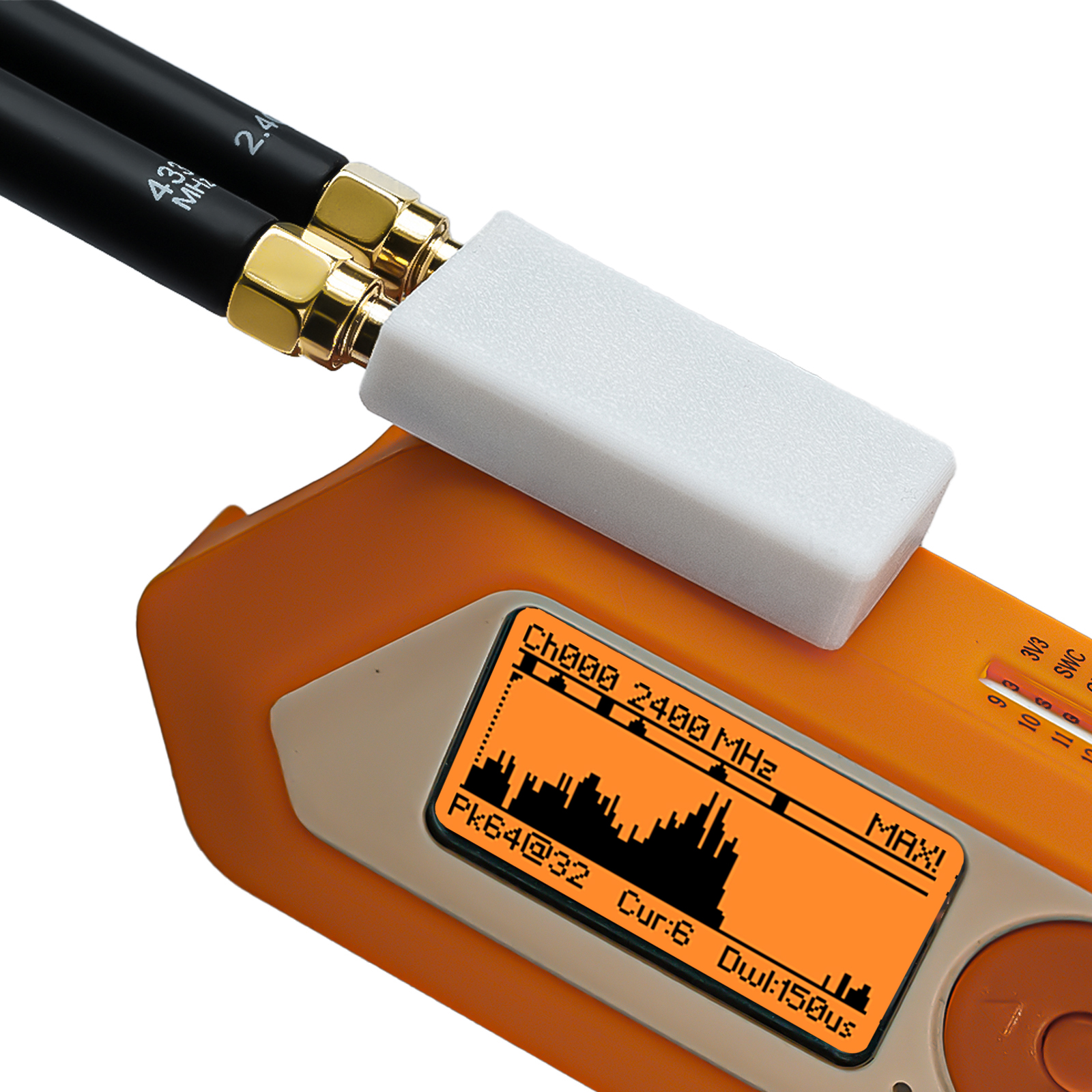
The symptom
On a dual-chip board, launching a third-party nRF24 channel scanner and starting a signal scan can blank the Flipper display partway through.
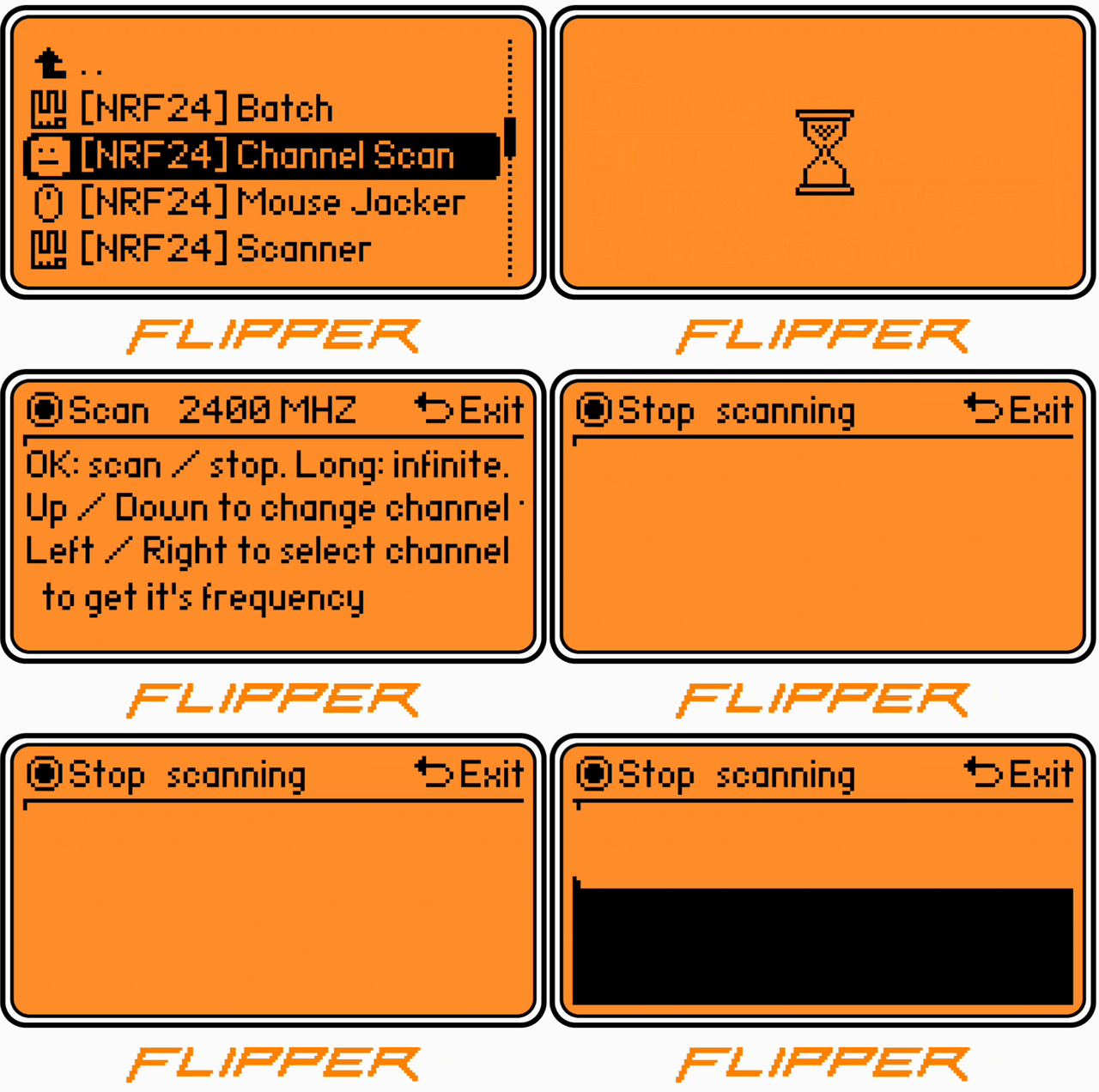
This isn't unique to our hardware. The most-forked community nRF24 app carries an open report describing the same class of failure:
"the screen sometimes completely blanks for 5 seconds or so during scanning. If the scan time is lowered the blanking is observed more often."
— flipperzero-nrf24 issue #15, open since 2022
Why it hits dual-chip boards harder
A 2-in-1 board wires the nRF24 and CC1101 in parallel on one SPI bus, software-selected by each chip's dedicated CSN line. A scanner written for a single nRF24 only drives its own CSN — it never deselects the second chip. Both chips can then respond on the shared bus at once, and a scanner that holds the SPI bus continuously can starve the display-refresh task. The result you see is a blank screen.
We're not the only ones to flag the legacy-app gap — even our own product notes warn that legacy applications may have hardcoded pin definitions and recommend apps with proper GPIO/SPI handling.
Why we rewrote instead of patched
Patching a single fork's quirks doesn't fix the underlying bus-arbitration problem, and it doesn't survive the next firmware update. So in early 2026 we rebuilt the toolkit against the official Furi SDK — no fork-private symbols, one clean SPI arbiter.
What changed
-
Single-handle SPI arbiter — every transaction goes through one bus handle (
furi_hal_spi_bus_handle_external), the one every firmware ships. - Idle chip is always deselected — before any access, the other chip's CSN is driven high. The bus is never left ambiguous, so the display never starves.
- One .fap, every firmware — runs on Official Flipper firmware (OFW), Momentum, Unleashed, RogueMaster, and Xtreme. No recompiling.
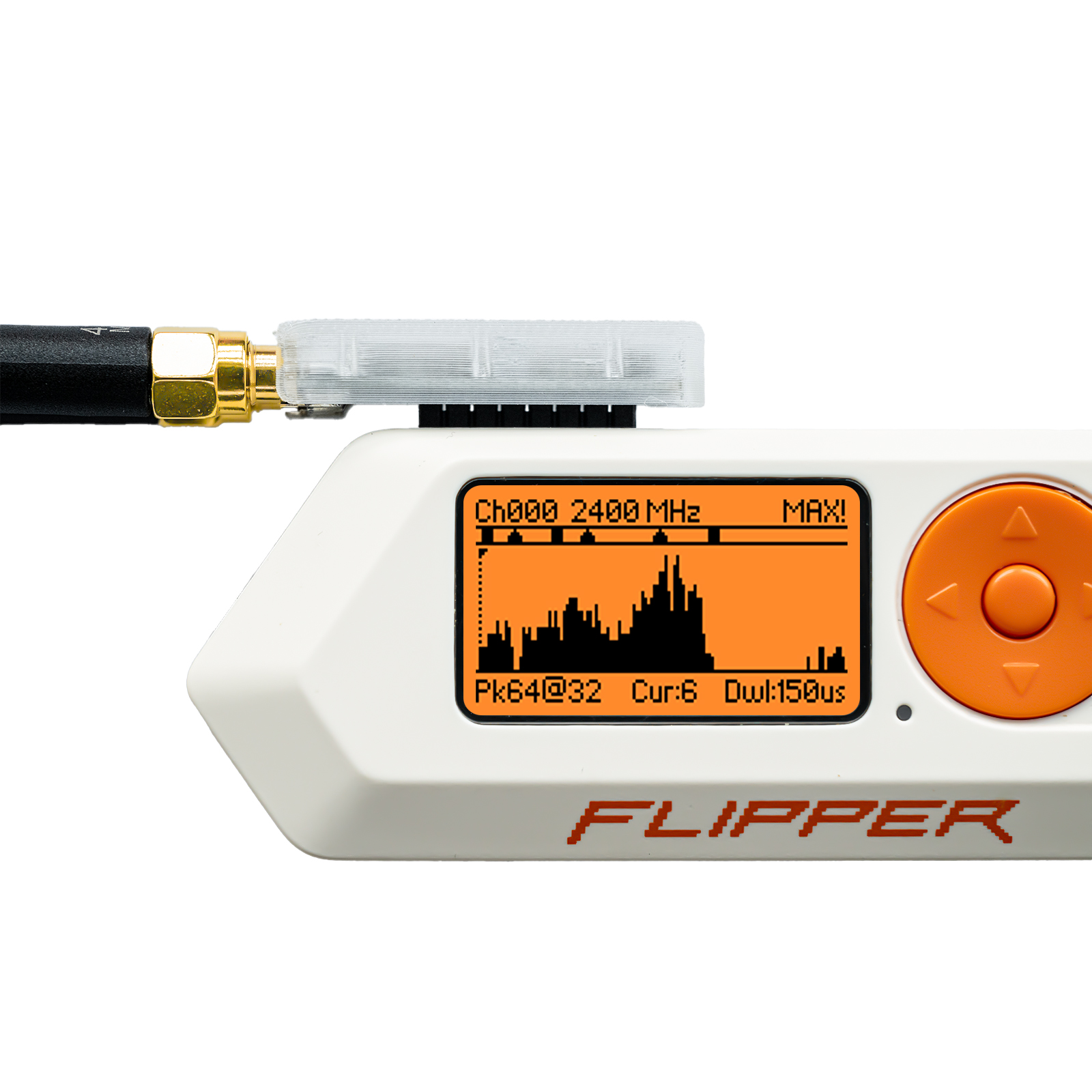
Version history and firmware compatibility
What changed across releases
| Release | What it did |
|---|---|
| Furi SDK rewrite (early 2026) | Rebuilt against the official Furi SDK; single SPI bus handle (furi_hal_spi_bus_handle_external); idle chip's CSN always driven high before any access. |
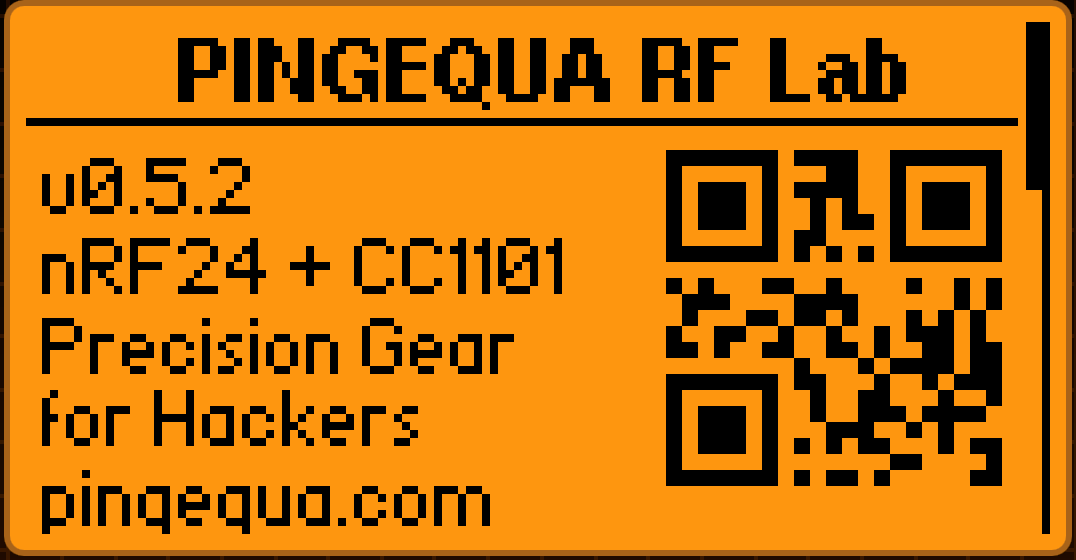
| v0.5.2 | Human-readable export filenames (e.g. scan_2026-05-15_143022_ch42.csv); on-device About screen with scannable QR codes for the shop and source repo. |
| RF Lab v0.5.4 (2026-06-12) | Adds a 2.4 GHz signal generator for authorized testing only; output power deliberately limited to meet FCC §15 / ETSI EN 300 328. |
Firmware compatibility
| Firmware | Notes |
|---|---|
| Official Flipper firmware (OFW) | Minimum API ≥ 87.1 |
| Momentum | Supported, no recompiling |
| Unleashed | Supported, no recompiling |
| RogueMaster | Supported, no recompiling |
| Xtreme | Supported, no recompiling |
Ships as a single ~44KB .fap that covers all five firmware targets out of the box.
See it in action
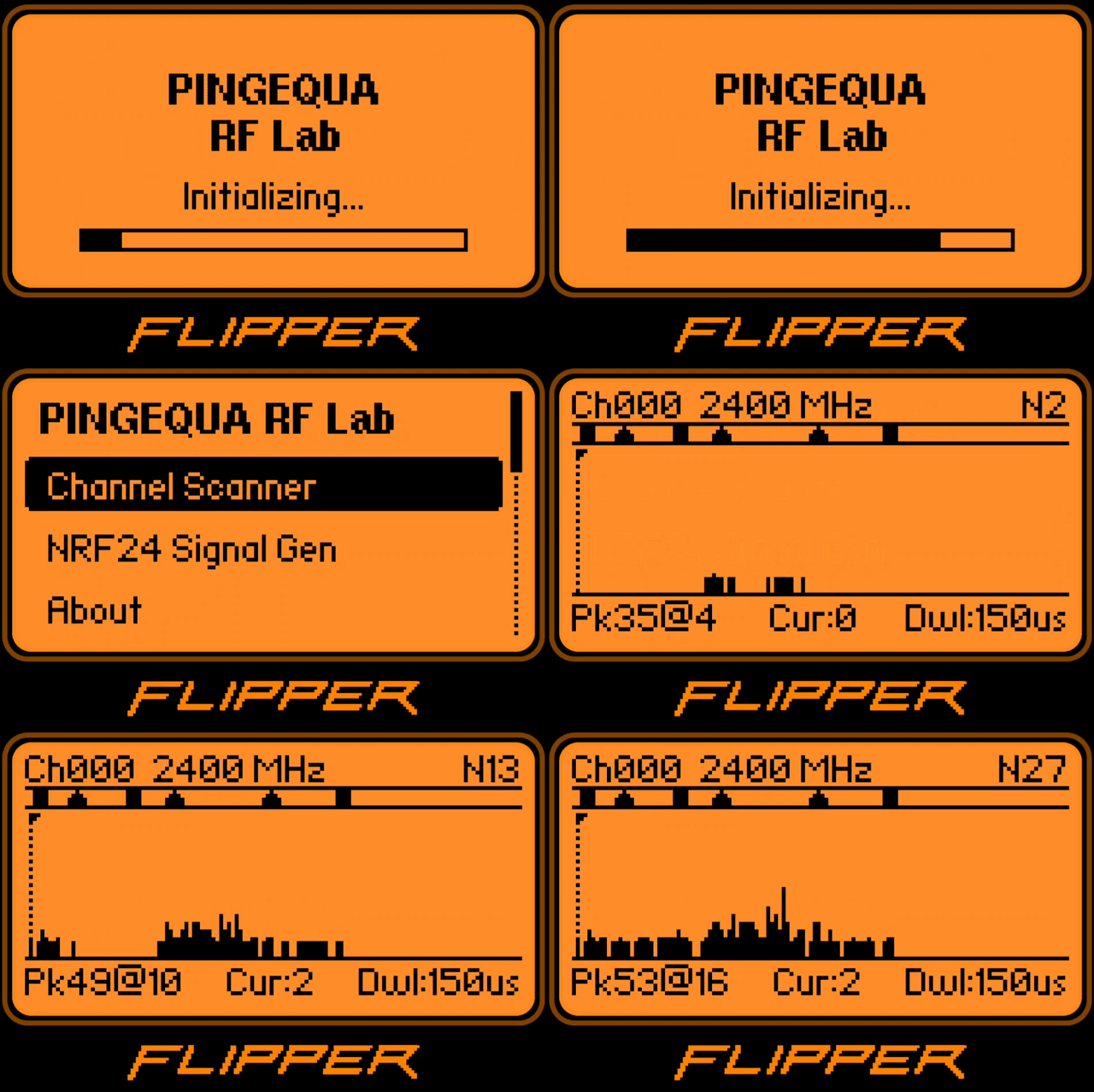


Try it on your setup
- Download
pingequa_rf_toolkit.fapfrom GitHub Releases - Drag it into
/ext/apps/GPIO/in qFlipper - Launch from
Apps → GPIO → PINGEQUA RF Lab
No GPIO remapping, no per-firmware setup.
What's next is up to you
The v0.6 roadmap is open. Want a Sub-GHz spectrum view, dual-band sweep, or custom scan presets? Open an issue — the next release is built on what people actually ask for.
Open box. Open source.
nRF24L01+PA & CC1101 on a single SPI bus — for Flipper Zero.
Download the FAP (free) Get the hardwareFAQ
Why do generic nRF24 scanner apps black-screen on dual-chip 2-in-1 boards?
My screen blanks during a scan — is my nRF24 module broken?
Which app version fixes the black-screen issue, and how was it fixed?
Can RF Lab transmit, or is it receive-only?
Will this work on my firmware without recompiling?
Sources & further reading: flipperzero-nrf24 #15 · Flipper Furi SDK docs
PINGEQUA RF Lab is an open-source FAP (MIT license) for Flipper Zero, built for the PINGEQUA 2-in-1 RF Devboard (nRF24L01+ + CC1101) — source: github.com/pingequalab/rf-lab. Its signal-generator mode is for authorized RF testing and educational use only, output-limited to meet FCC §15 / ETSI EN 300 328; PINGEQUA is an independent hardware maker and is not affiliated with Flipper Devices or the third-party firmware/app projects referenced above (OFW, Momentum, Unleashed, RogueMaster, Xtreme; flipperzero-nrf24).